
Self Check and Check-out
Check Out and Check In Books Using the Self-Check Kiosk and Book Drop
Checking Out Books (Borrowing)
Self Check
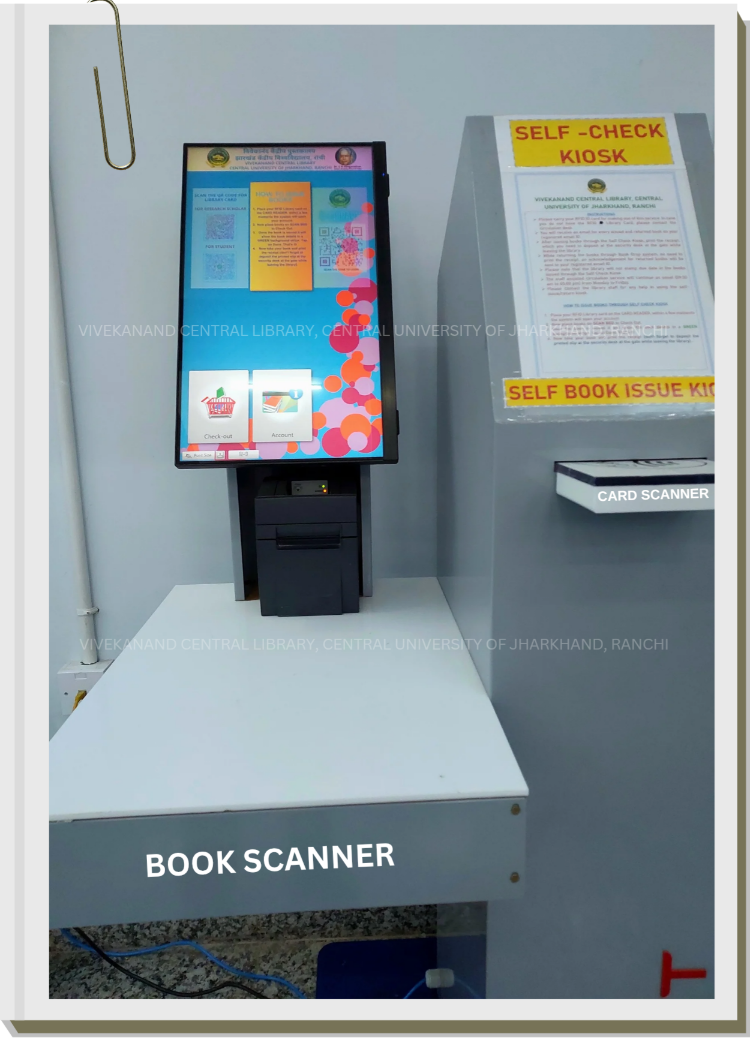
Step 1. Scan Your Library Card:
Place your library card on the card scanner. An animation will appear on the screen, prompting you to scan your book.
Step 2. Scan the Book:
Place your book on the book scanner. Once scanned, the book’s title will appear on the screen in a green bar.
Step 3. Complete the Checkout:
Tap on the “Done” button (bottom right of the screen). A receipt with your book details will be generated automatically.
Step 4. Collect Your Items:
Take your book and the printed receipt. Present them to the security guard at the library exit.
Note:
An email confirmation with the transaction details will also be sent to your registered email.
Checking In Books (Returning)
Book Drop
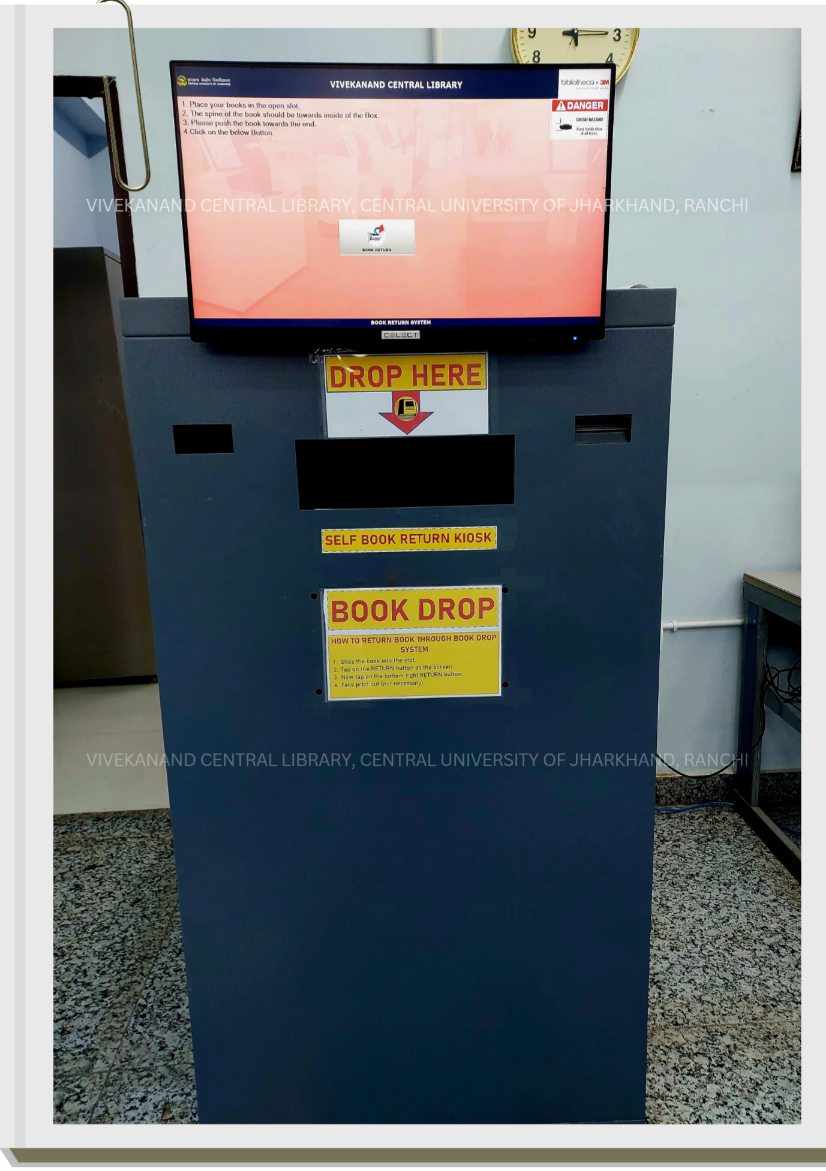
Step 1. Place the Book in the Book Drop:
Insert your book into the book slot in the designated Book Drop.
Step 2. Confirm the Return:
Tap the “Return” button on the screen. The book title will appear in a green bar.
Step 3. Complete the Process:
Tap “Return” at the bottom right of the screen. The book will be logged as returned, and an email confirmation will be sent to your registered email.